Download & Install
Download the latest Playarr installer for Windows. The installer bundles everything you need — Python runtime, ffmpeg, ffprobe, and the Playarr application.
First Launch
After installation, launch Playarr from the Start Menu or desktop shortcut. Playarr runs
a local web server and opens your browser to http://localhost:6969.
A system tray icon appears so Playarr can run in the background. Everything — frontend, API, and background tasks — runs on a single port with no extra services required.

Import Your First Videos
There are three ways to add music videos to your library:
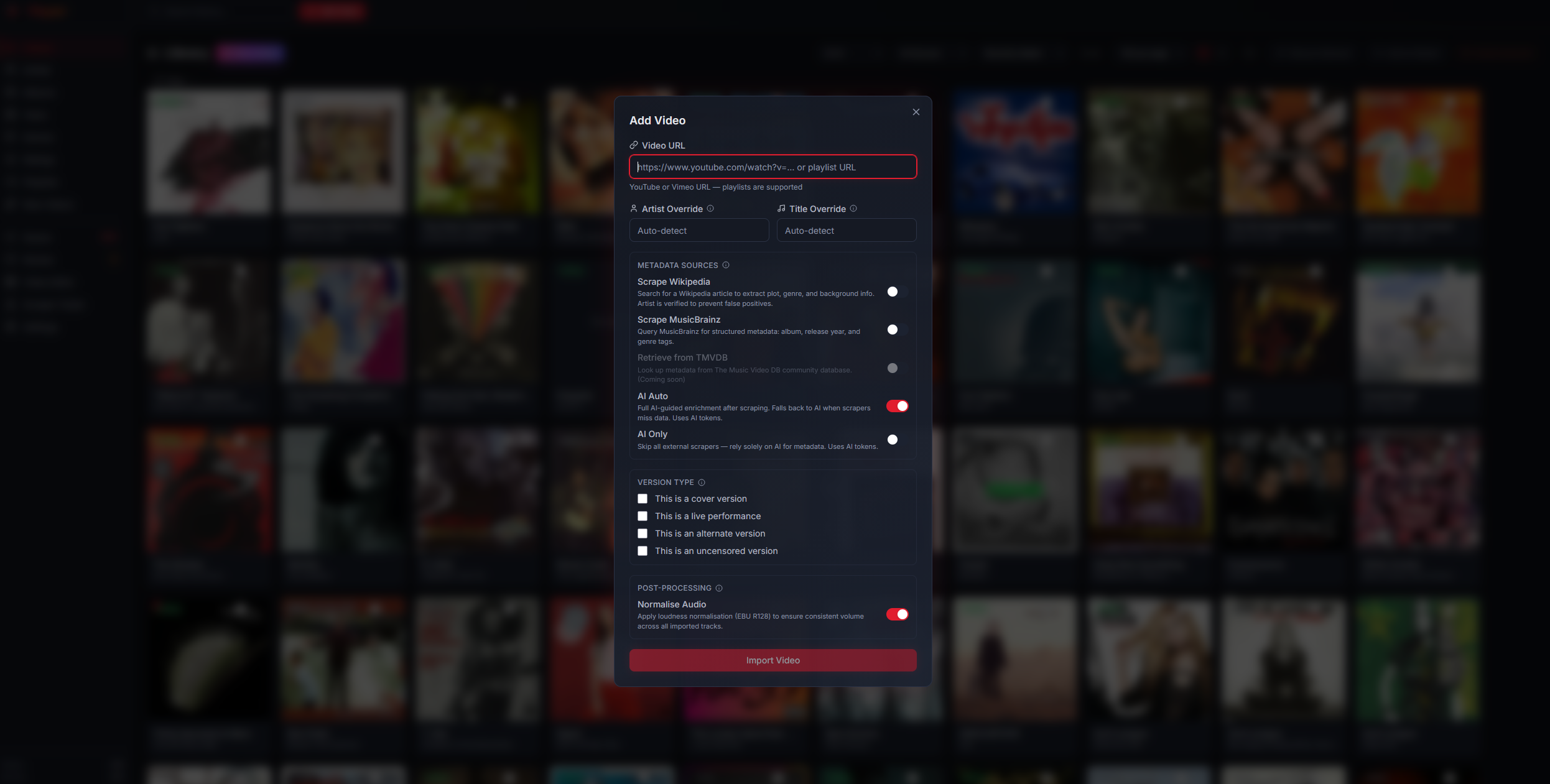
- By URL — Click "Add Video" and paste a YouTube or Vimeo URL. Playarr downloads and enriches it automatically.
- YouTube Playlist — Paste a playlist URL to import an entire playlist at once.
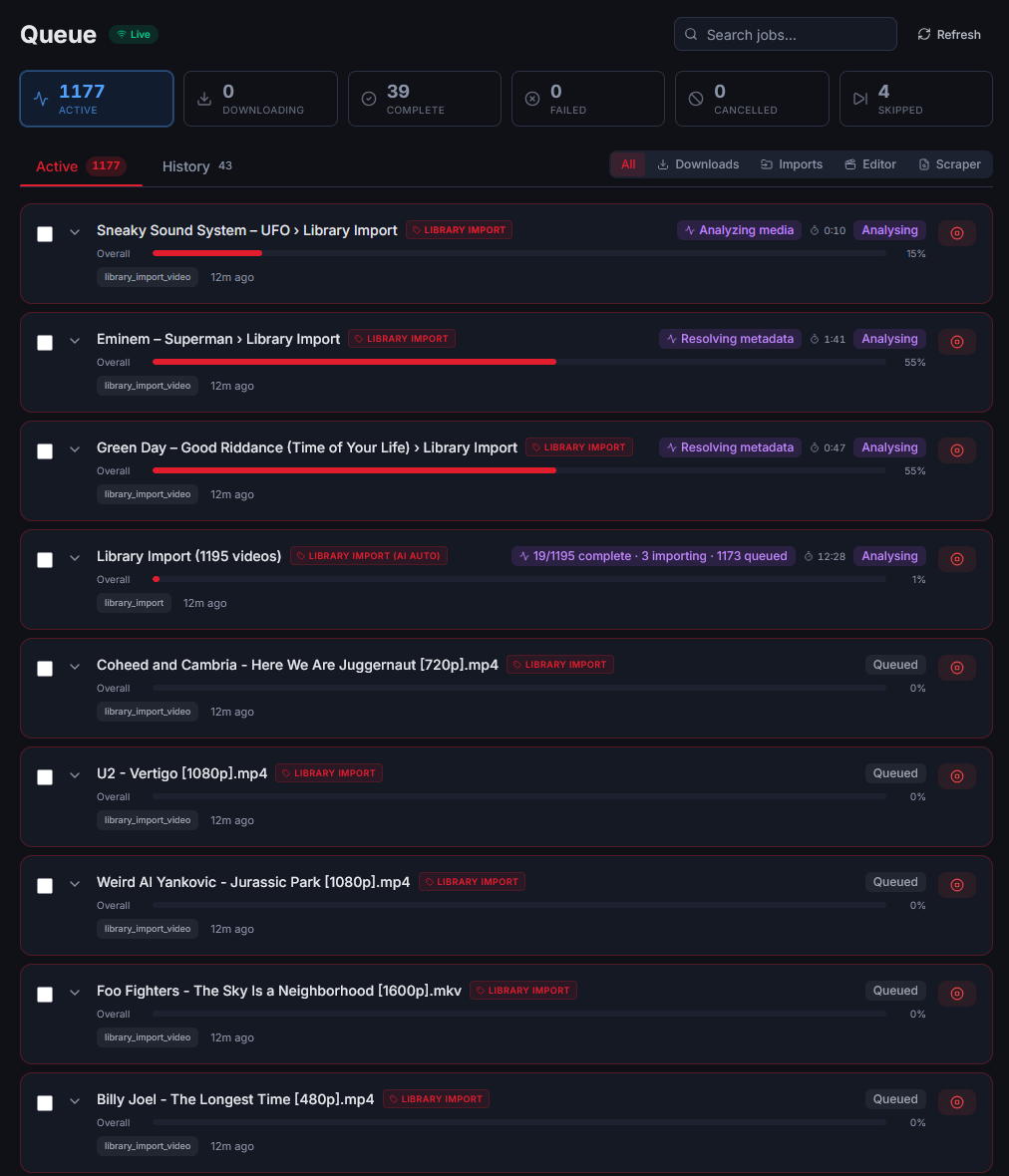
- Library Import — Point Playarr at an existing folder of music videos to bulk-import with metadata scraping.
Metadata & Enrichment
Playarr automatically resolves metadata through multiple sources in priority order:
- Wikipedia — Artist, single, and album page scraping for artwork and context
- MusicBrainz — Recording and release lookups for canonical metadata
- TheMusicVideoDB — Community-driven music video metadata (coming soon)
- AI Auto — Full AI-guided enrichment after scraping, falls back to AI when scrapers miss data
- AI Only — Skip external scrapers and rely solely on AI for metadata
Each source is optional and can be toggled when adding a video or in Settings. A confidence score helps you review uncertain matches.
Browse & Enjoy
Your library is presented as a card-based grid with filtering and sorting. Hover over any video for a looping preview clip. Click to open the inline player with full metadata, artist pages, and album cross-linking.
- Hover Previews — Short looping clips generated from each video
- Entity Pages — Browse by artist, album, or track
- Playlists — Create and manage custom playlists
- Kodi Integration — NFO sidecar files for seamless Kodi compatibility
Alternative: Docker
If you prefer Docker, Playarr can run as a multi-container stack:
docker-compose up -d
This starts containers for Redis, the FastAPI backend, Celery worker, and Nginx frontend. See the deployment docs for full configuration.